
 Delaware Department of Labor

If you already have a My.Delaware Identity, click below to sign into your portal. If you do not have a My.Delaware Identity, see How to Create Your My.Delaware Identity below.
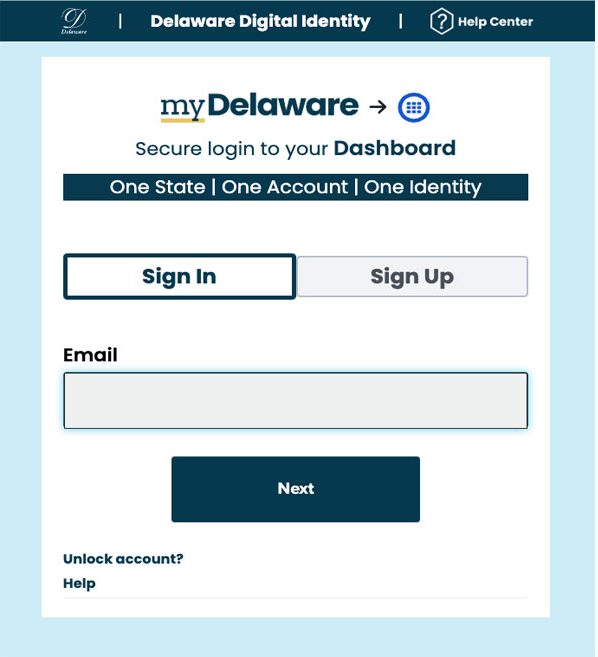
A Delaware Identity offers residents and visitors access to services with secure, private, proven identity. People can register for a my.Delaware.gov identity that allows access to some state services, like LaborFirst, and will be their identity for Go DE, the state’s digital government services portal.
It is recommended to use a desktop to create your My.Delaware identity. You cannot register or file a claim on LaborFirst using a mobile device, which would be the next step after creating your My.Delaware identity.
Use an email address that you can check during the registration process, as the system will need to verify your email address. This email should be unique to you and not a shared email address.
To complete the My.Delaware identity process, you will need to verify your identity. To verify your identity, an app will appear on your new dashboard called “Identity Proofing.” You will need a photo ID to complete this process.
When registering, use your legal name as it appears on your drivers license or a
passport.
Identity Proofing is how you will prove your legitimate identity using any government-issued photo identity document and a third-party solution named Okta.
Protecting Your Data
Delaware uses bank-grade security infrastructure and federally compliant information protection practices to safeguard your data. Delaware does not share information obtained through the identity proofing process. Doing identity proofing has no impact on your credit score or impact your credit report in any way.
For more information see the Identity Proofing Guide.