
 Delaware Department of Labor

LaborFirst is a unified enterprise system developed by the Delaware Department of Labor to modernize and streamline the Division of Paid Leave. It’s a portal where you can file and manage Paid Family Medical Leave Claims.

Note: You’ll need to create an account before filing a claim. If you’re unsure how to do that, see the Knowledge Base below for user guides and video walkthroughs, or click here for more instructions.
Click + to expand
Filing a Claim by Daniel Sanders
Claimant – Claim Management, Request Claim Review by Daniel Sanders
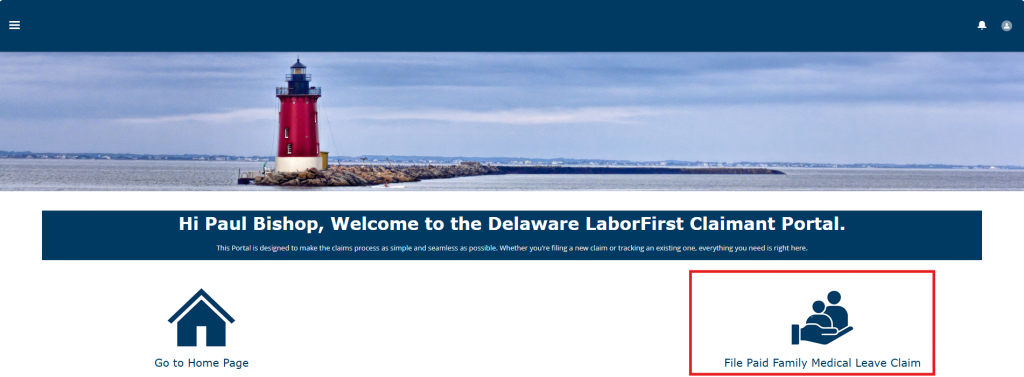
If you log into LaborFirst and do not see the option to File a Paid Family Medical Leave claim, it is likely that you did not complete the Identity Proofing step.
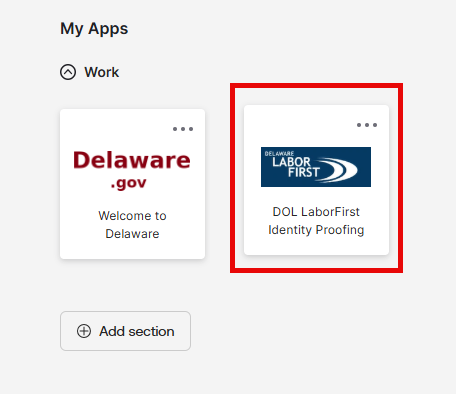
If you log into My.Delaware.Gov and see an Identity Proofing Tile, click it. It may look slightly different than this but look for the words “Identity Proofing.”
You’ll also see a LaborFirst tile, but you must start by clicking the Identity Proofing tile.
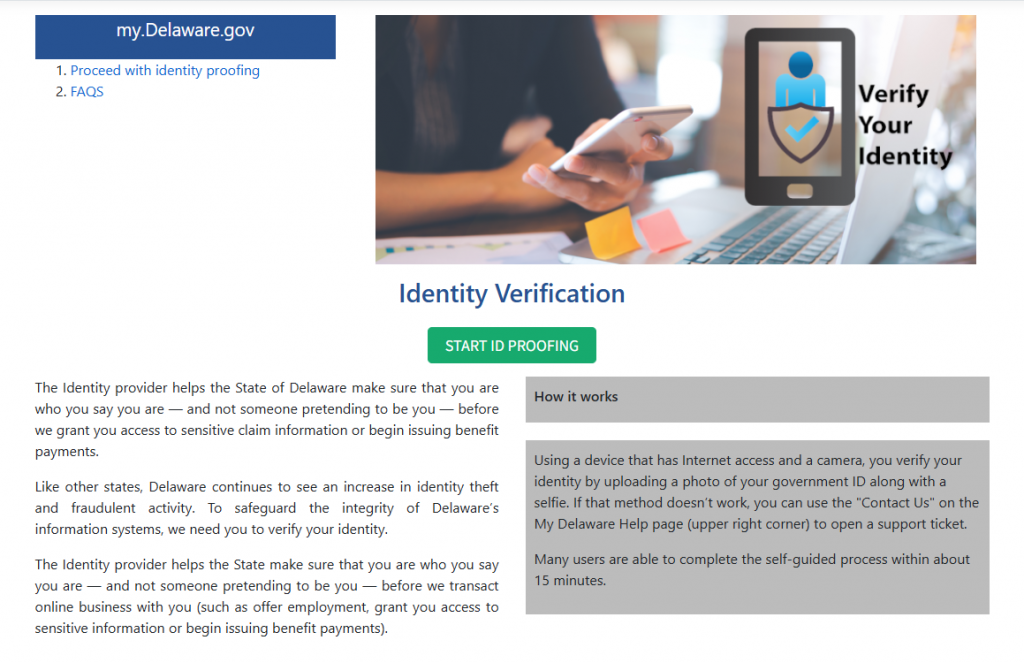
Follow the steps to verify your identity.
Note: You’ll need a government-issued photo ID, and the process will take about ten minutes.
For more help with the process, you can follow this guide: Identity_Proofing_Guide.pdf
Wait to enter LaborFirst until you get a confirmation email that your identity is confirmed.
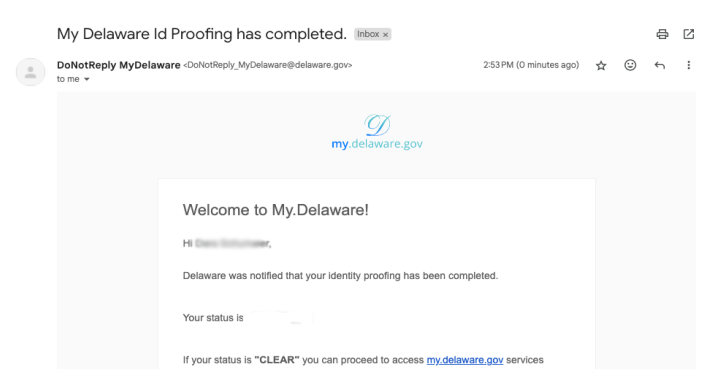
Once you get the email, you can click the LaborFirst tile in your My.Delaware.Gov dashboard to enter LaborFirst.
You should now see the option to file a claim.